

Cyclists Hub is supported by its readers. We may receive a commission if you buy products using our links. All content on Cyclists Hub is written by humans, not robots. Learn More
I bought all the Garmin Edge x50 bike computers, including the Edge 850, to find out whether they are worth it. I’ve been putting the Edge 850 through its paces for a fair few months now, across varied terrains on Gran Canaria and back home. I compared it with previous generations and some competing bike computers, covering everything from daily commutes to long mountain rides.
So, should you buy it? The answer is not very clear-cut. But after reading this review, you will know exactly if it’s the right fit for you.
KEY TAKEAWAY
The Edge 850 offers an excellent touchscreen display, numerous advanced features, and a built-in speaker for audible instructions or an electronic bell. I also want to highlight its navigation and advanced features, such as ClimbPro and Weather Overlay.
On the other hand, I absolutely hate its price and short battery life. If you care about battery life more than the fancy features, consider Edge 840 or even Edge 1040 Solar—those last more than twice as long. If you decide to buy the Edge 850 anyway, please consider using this link. I buy all Garmin devices with my own money, so a potential commission offsets the cost of creating these reviews.
My Edge 850 rating at a glance:
Battery Life 2/5 | Ease of Setup 5/5 | Display 5/5 | Ease of Use 5/5 | GPS Accuracy 5/5 | Maps & Navigation 5/5 | Price 1/5 | OVERALL 4.0/5
More about this bike computer scoring.
NOTE: I tested the Edge 850 with firmware version 7.10.
Garmin Edge 850 Pros and Cons
These are the main pros and cons of the Garmin Edge 850 I found during my use of it.
Edge 850 Pros
- Excellent display brightness and sharpness
- Excellent display performance when controlling with gloves or when wet
- Customizable via a smartphone app
- Feature-rich (including Real-Time Stamina, Power Guide, Road Hazards, and more)
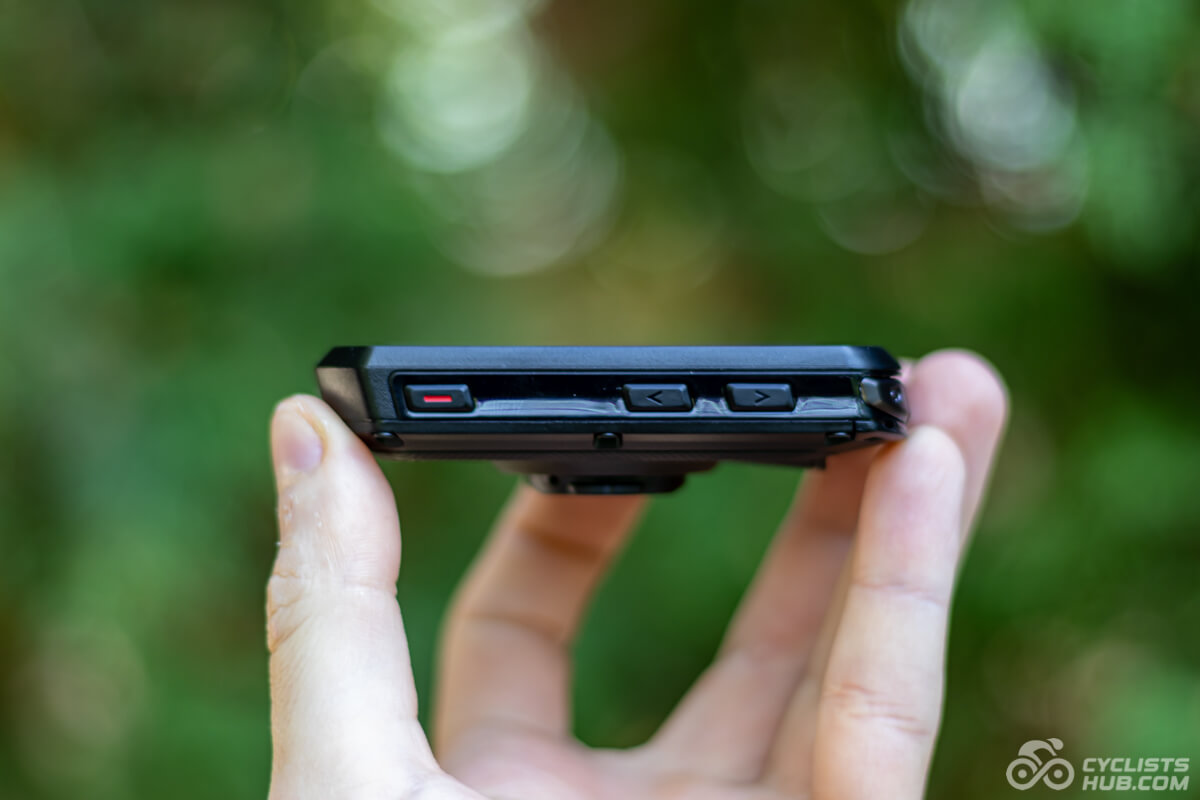
- In-built speaker (electronic bell, audible prompts)
- Supports multi-band GNSS
- Easier battery replacement and repairs
- Garmin ecosystem
Edge 850 Cons
- The UI is improved, but still complicated
- Not so easy to use
- ClimbPro feature doesn’t offer enough customization flexibility
- Sub-par battery life compared to other bike computers
- Not available with a solar option
- Long startup time (~26s)


Also available at rei.com, competitivecyclist.com, and jensonusa.com
What’s New Compared to the Edge 840?
Below is an overview of what’s new on the Edge 850. For more info, check out my Edge 840 vs. Edge 850 comparison.
- The Edge 850 has a larger, brighter, and higher-resolution 2.7” transmissive LCD; Edge 840 uses a smaller 2.6” transflective MIP display.
- Edge 850’s battery life is shorter in typical use (12 hours vs. 26 claimed for 840).
- Edge 850 features an in-built speaker; E840 doesn’t
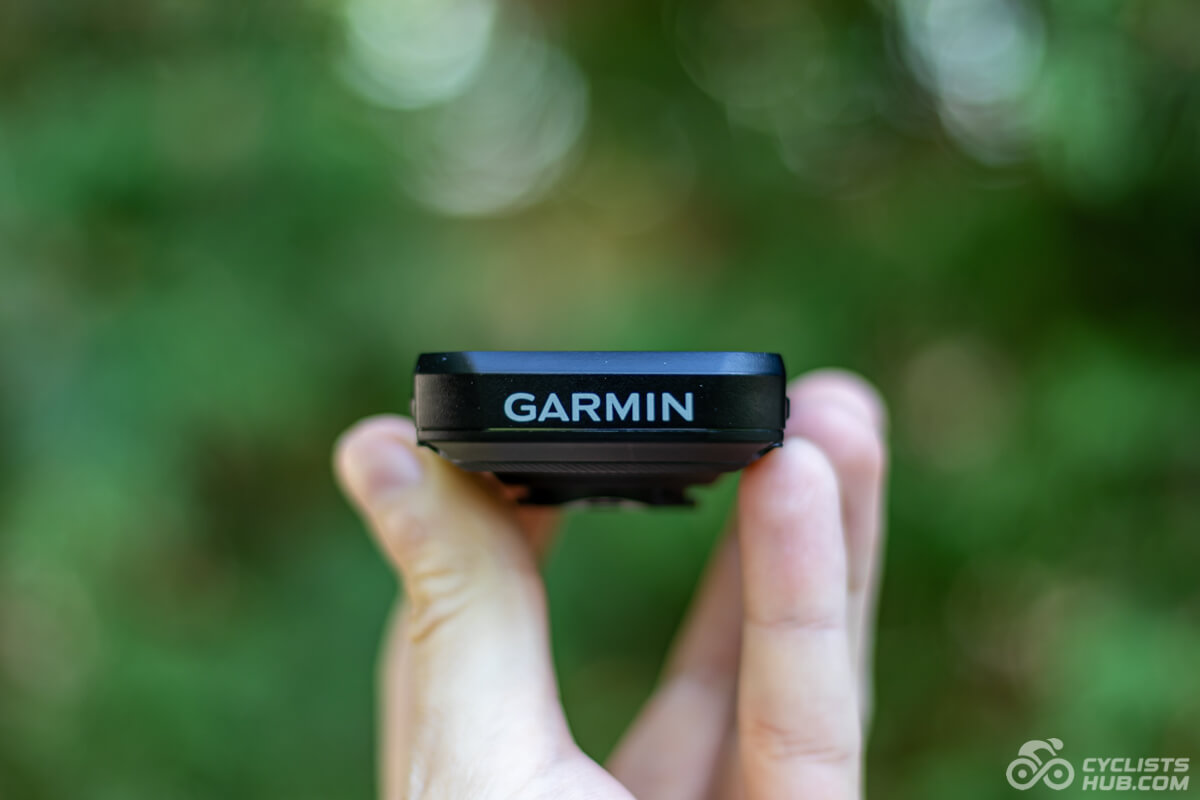
- Edge 850 is heavier (110g) but slimmer; Edge 840 is lighter (85g) but thicker.
- Edge 850 has double the internal storage (64 GB vs. 32 GB).
- Edge 850 uses a faster processor.
- Edge 850 features 5 Hz GPS recording for higher trail/enduro accuracy.
- Edge 850 introduces Smart Fueling (intelligent nutrition reminders), an expanded Garmin Cycle Coach with weather and route adaptation, and post-ride Gear Ratio Analysis for electronic groupsets.
- GroupRide, real-time weather on maps, and integration with SRAM AXS are available on both, but the Edge 850 integrates them more seamlessly.
- Edge 850 is designed to make it easier to repair and replace batteries.
- Edge 850 is significantly more expensive ($599 vs. $449).
Unboxing and Initial Setup
The Edge 850 box includes:
- Garmin Edge 850
- 1× Out-front and 1× stem mounts
- USB-C charging cable
- Tether
- Manual
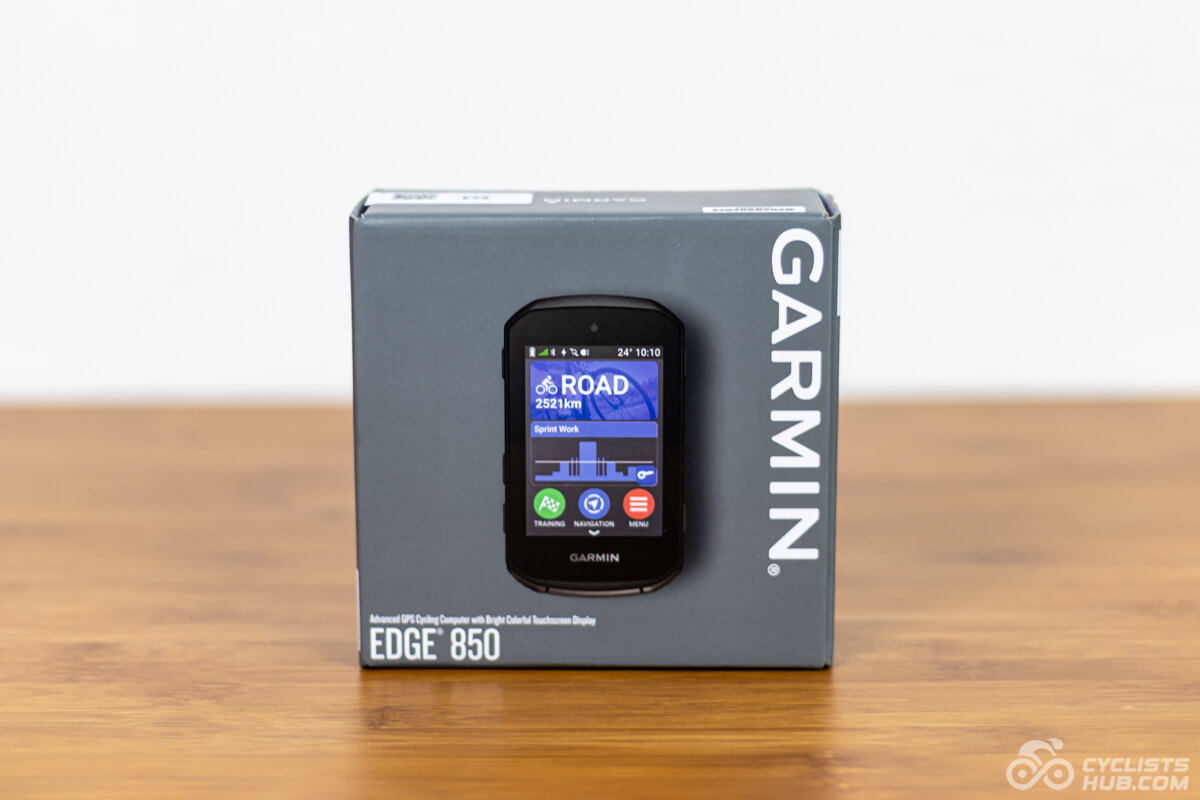
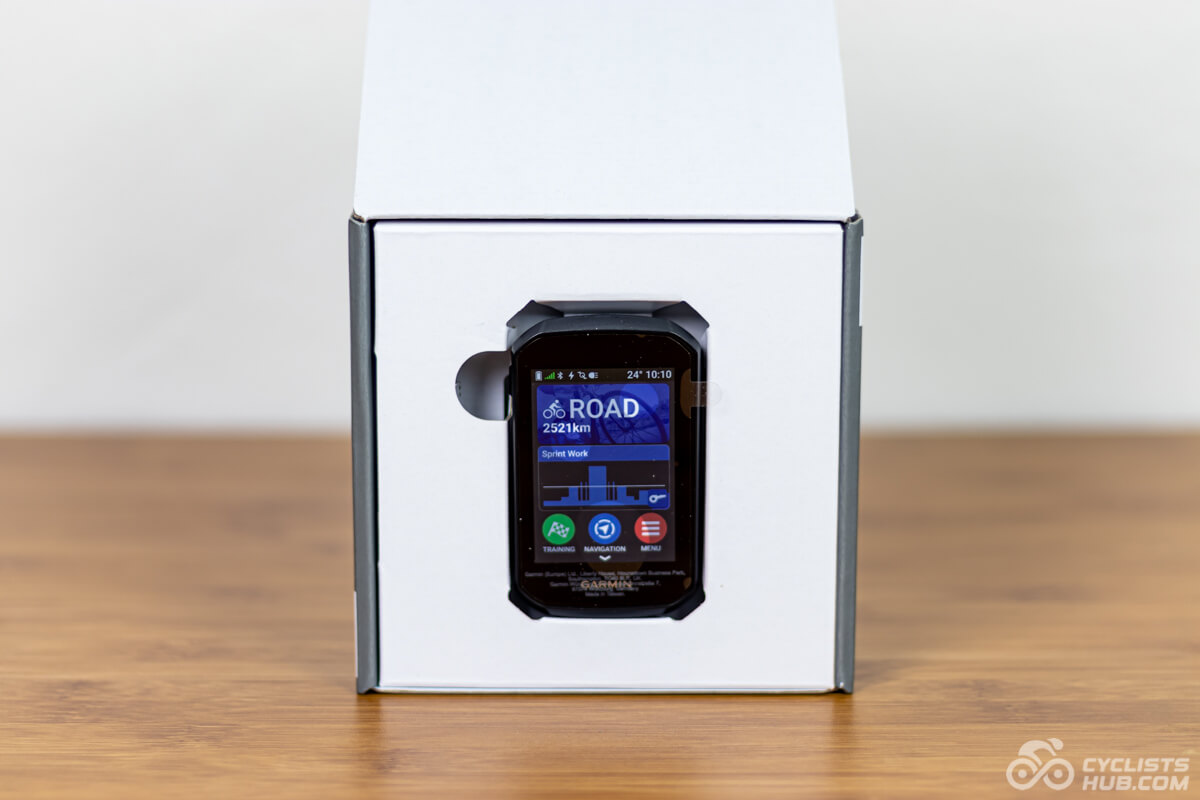
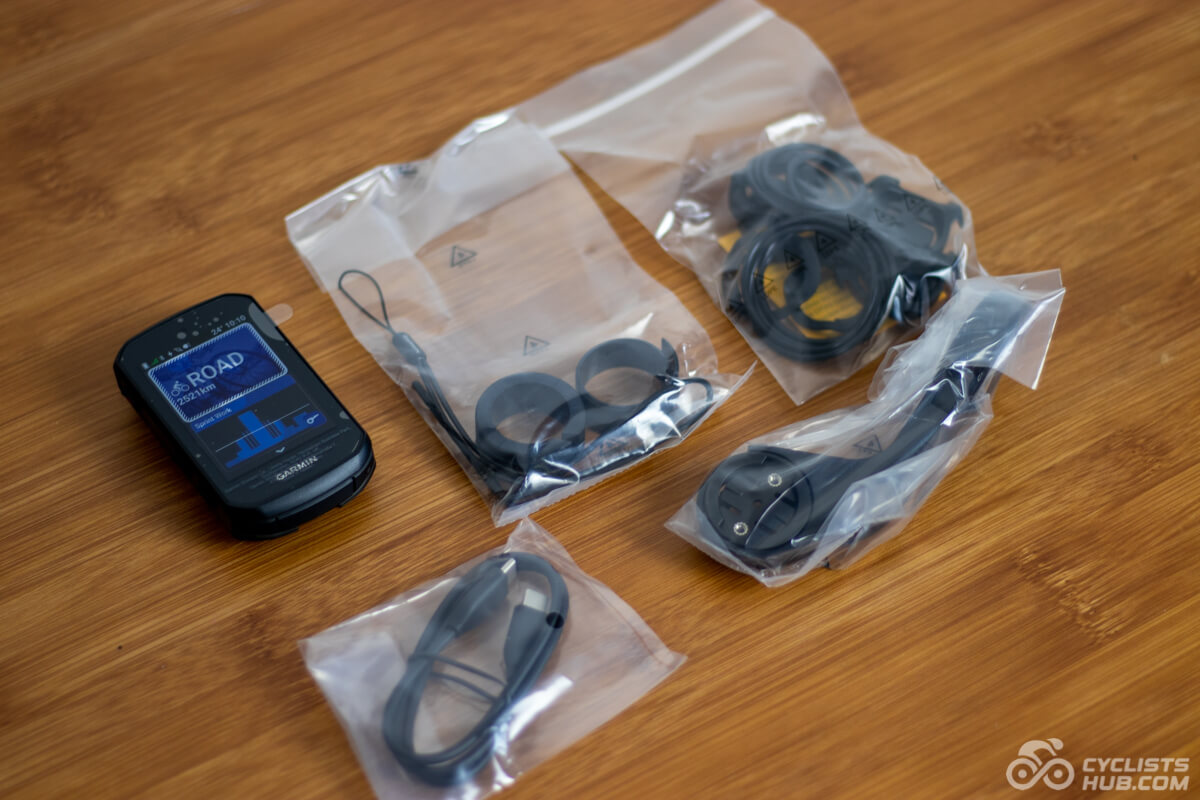
If there is anything I like about Garmin Edge devices, it’s how they guide you through the initial setup. It’s super convenient, especially if you previously owned an Edge. After scanning the QR code and following a few steps, they will transfer all your data pages and sensors, so you don’t have to pair them as you do with some competing head units. For comparison, Wahoo ELEMNT bike computers can also sync data pages, but not sensors.
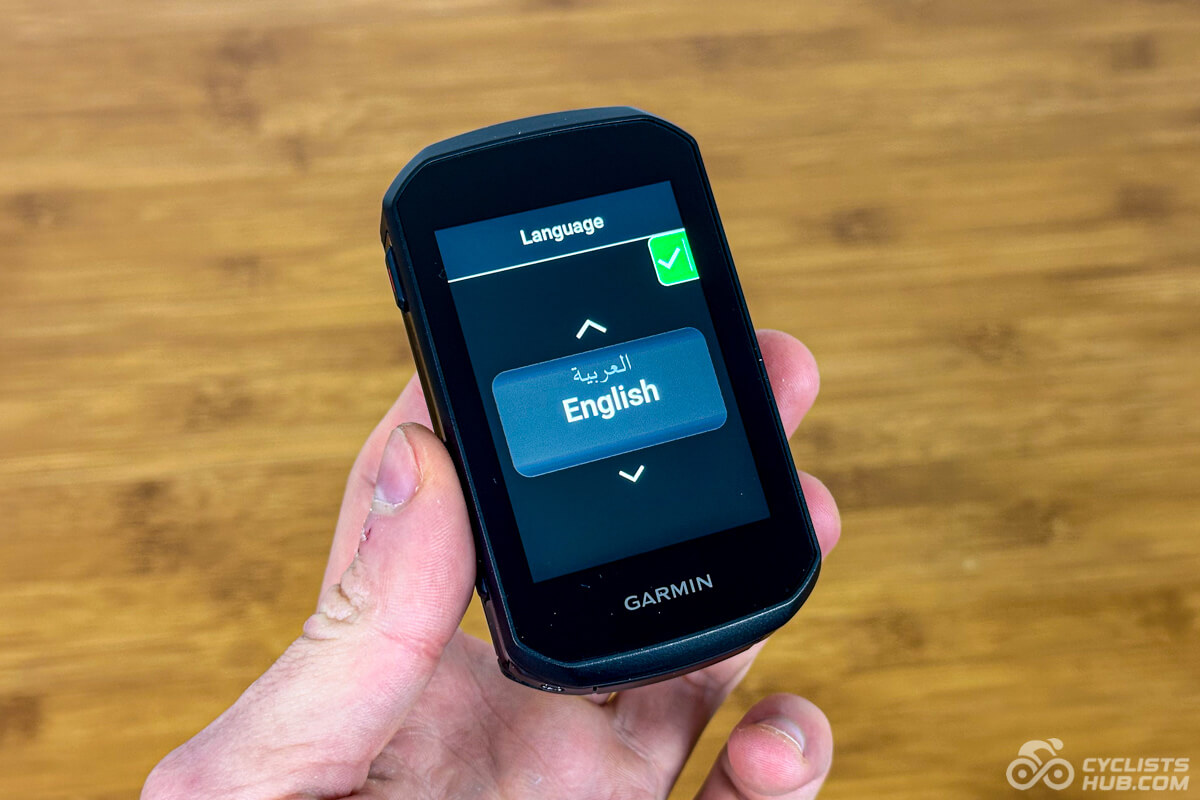
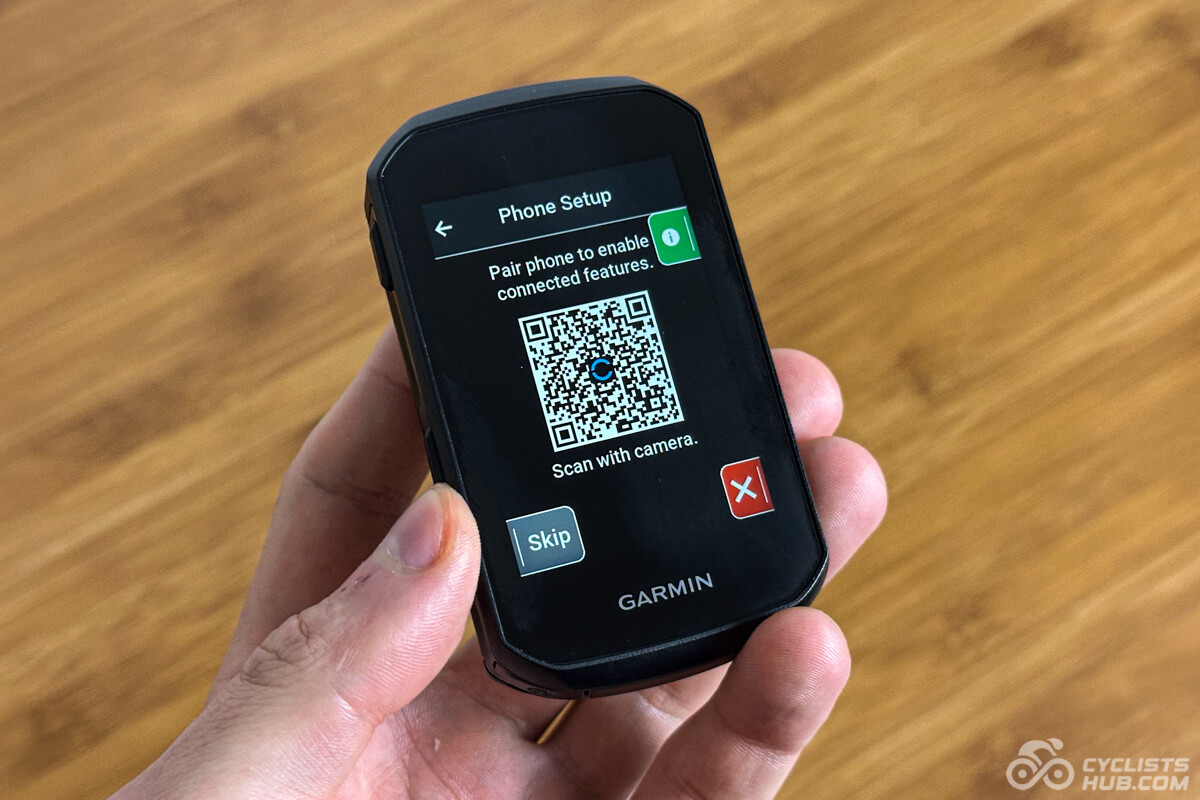
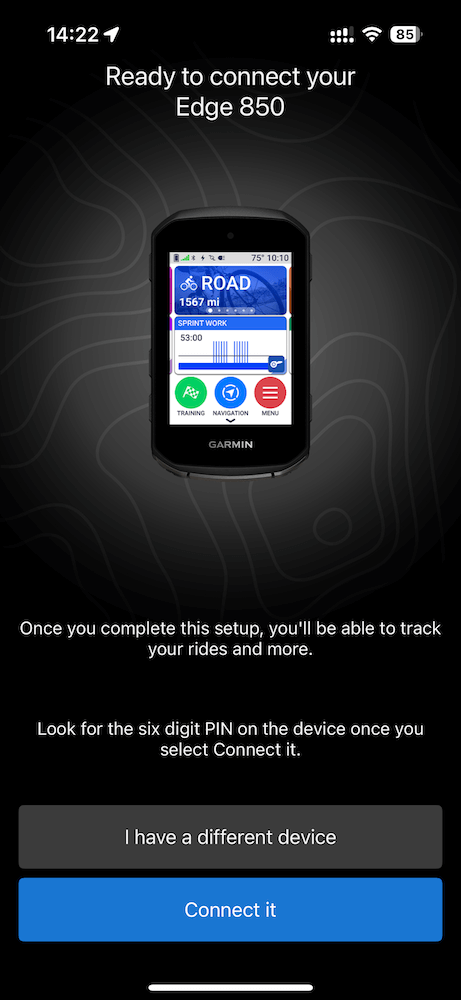
Naturally, the user interface is unified with the other x50 head units, such as the Edge 550 and Edge 1050. It’s a bit more polished than the one on the x40 line.
My Experience with Garmin Edge 850
I’ve been using the Garmin Edge 850 for a few months now, including on Gran Canaria. Here are my main takes:
- The Edge 850’s display is easy to read in various scenarios.
- The battery life is poor.
- The navigation is excellent.
Let’s now dive deeper into individual features.
Display
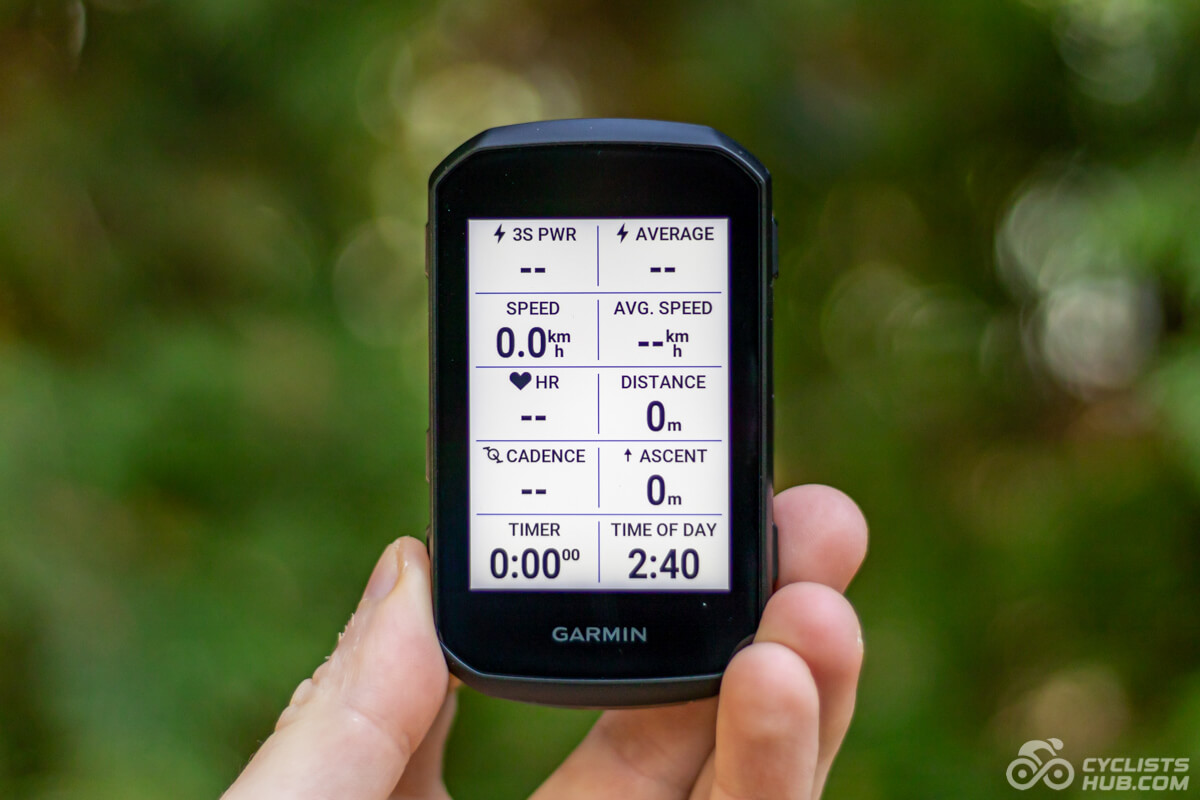
Garmin increased the display size by 0.1″, bringing it to 2.7 inches. It now uses transmissive LCD on its x50 head units, so they are much brighter and easier to read in most scenarios (see the gallery below).
The pixels per inch (PPI) are lower than on the Wahoo ELEMNT ROAM 3 (271 vs. 309 PPI), for example, but everything looks sharp, and I can’t tell the difference

The 0.1″ size difference compared to the previous generation and the ROAM 3 is negligible. I think this display size is ideal for most use cases, as it’s suitable for navigation but not too big for daily riding. The following chart shows the display sizes of other popular bike computers.
The display is now bright enough to be easier to read even in direct sunlight. However, it’s tricky to capture it on camera. I would say that the screen is almost as bright as some of today’s smartphones. So, that’s pretty cool. Of course, the screen brightness appears differently depending on the bike computer’s tilt (as seen in the photos below). Keep in mind that the screen surface is glossy, so it still reflects glare.


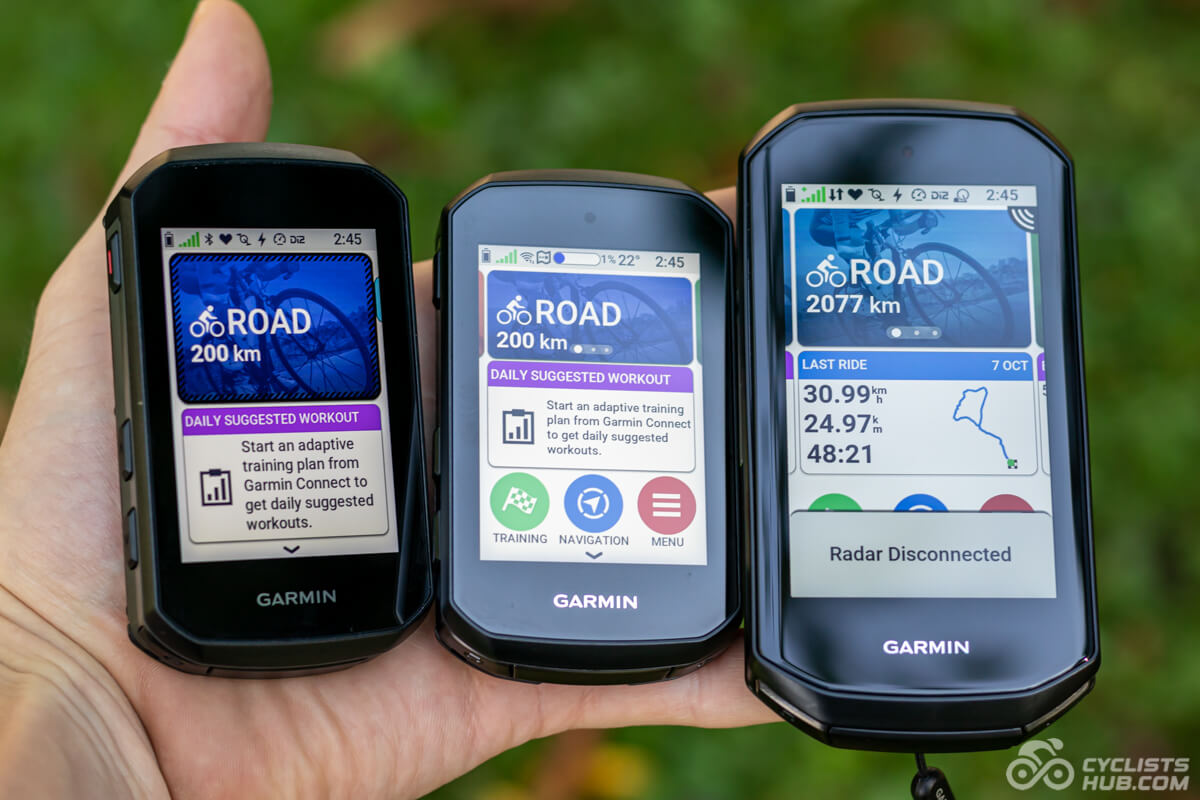
The glossy screens are the only thing that drags the Edge bike computers down a bit, in my opinion. If they have an anti-glare coating like the Wahoo ELEMNTs second gen, that would be great.
The photo below shows another comparison—this time with other popular bike computers. In reality, Hammerhead Karoo 3 is the brightest, with Karoo 2 and Magene C606 closely behind. BOLT 3 and ROAM 3 are the least bright.

The Edge 850 can display up to 10 data fields at once, keeping them relatively easy to read, though they are naturally a bit smaller than on the 10×0 models (those can also display up to 10 data fields).
Also available at rei.com, competitivecyclist.com, and jensonusa.com
Battery Life
The Garmin Edge 850 has a dramatically worse battery life than the previous generation and most other bike computers on the market. It should last up to 12 hours, but the real battery life is lower. I squeezed only 10.3 hours from it1.
This is bad in 2025 and beyond. You might be worried about not being able to record your whole-day trips as I did on Gran Canaria. For comparison, the following chart shows the claimed battery life of the best bike computers on the market.
The horribly short battery life is one of the main reasons I won’t use this bike computer as a daily driver, and I will most likely return to the Edge 840, Edge 1050, or Wahoo ELEMNT ROAM 3. I’m not fully decided yet (reviewers’ problems, haha).
Control & User Friendliness
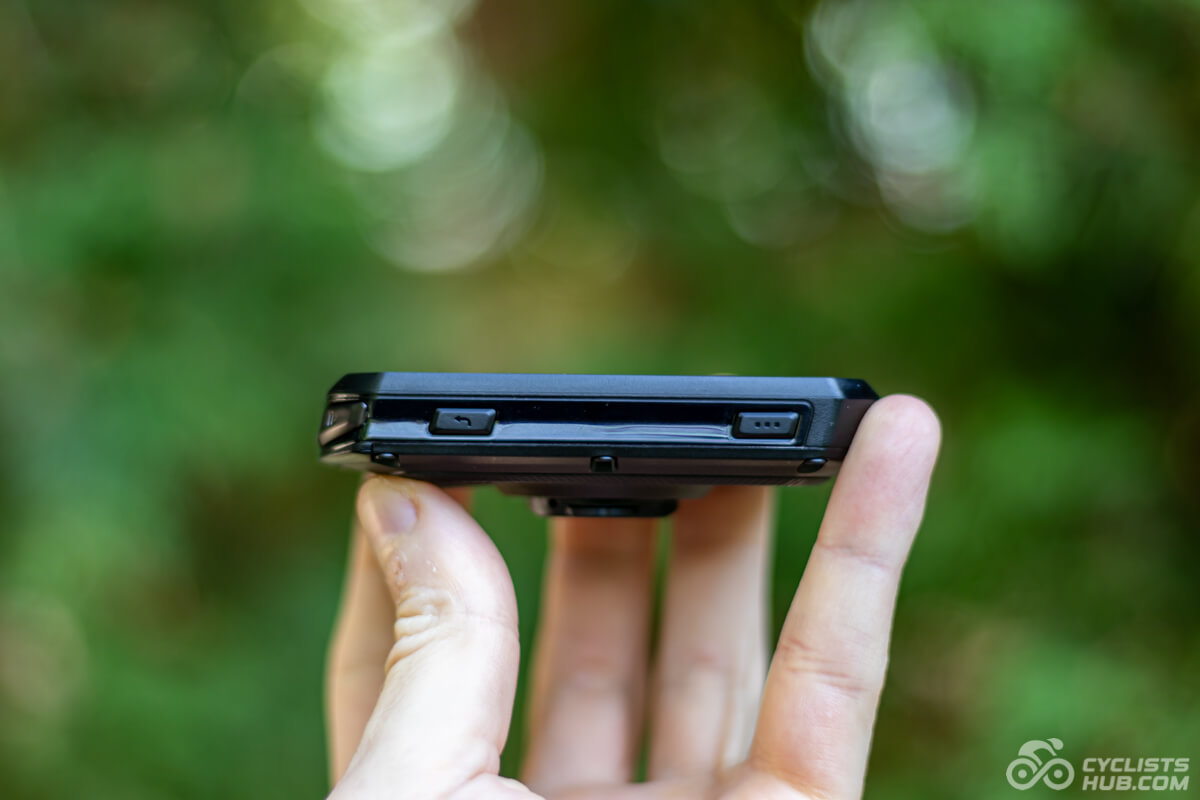
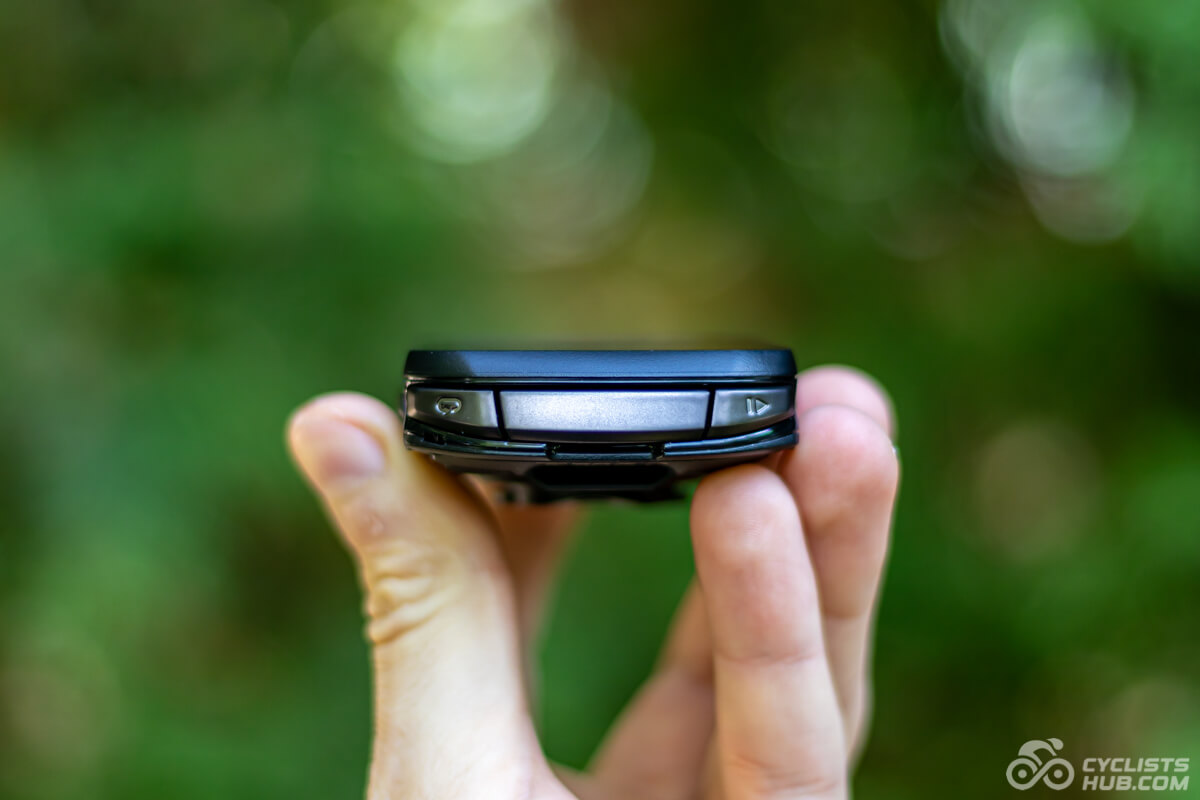
The new user interface on x50 line is better than the one on x40. Thanks to the Edge 850’s touchscreen and control buttons, it’s super easy to use in all scenarios (even with gloves, as you can see in the video below). Just remember that, given the sheer number of features, Edge bike computers have a steeper learning curve. It took me a while to remember where all the options and settings are, and I am sure I still don’t know everything.
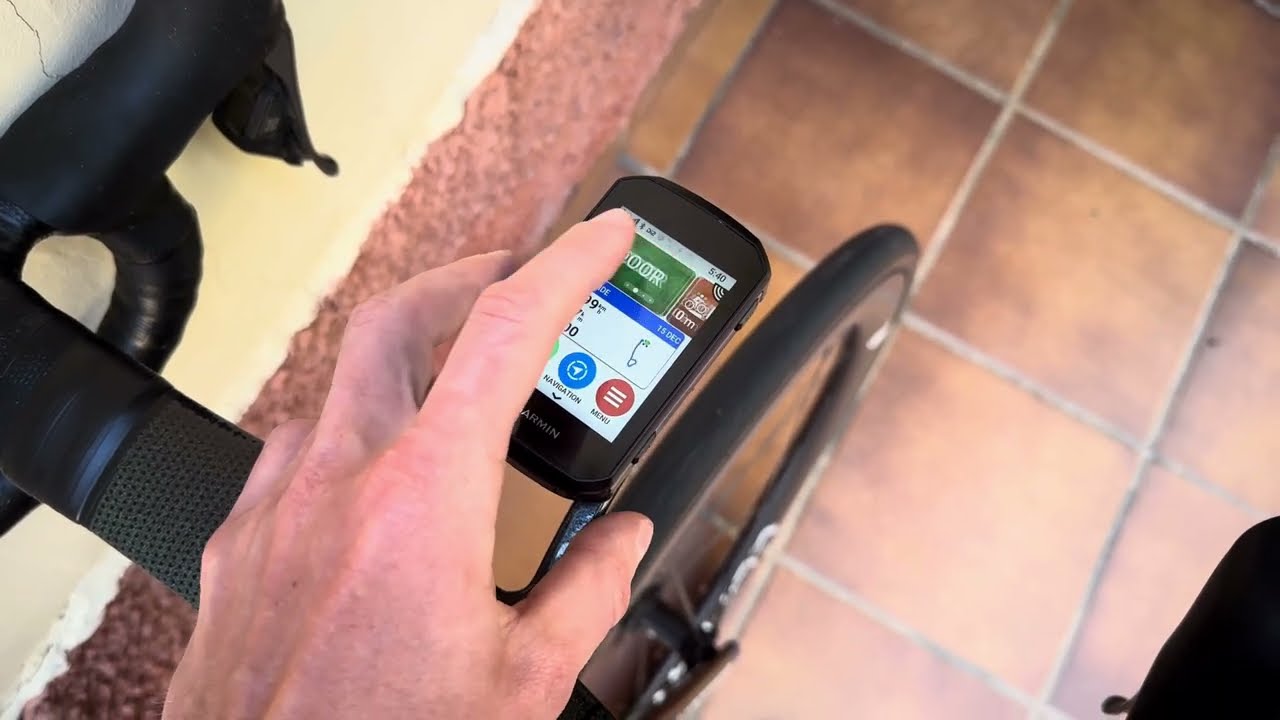
I’ve heard so many times that a touchscreen is not necessary, and I agree, especially since all you do is record your activities, and you pair the Edge with Di2 or SRAM buttons so you can scroll through pages. However, once you start using the maps and navigation, it’s a different story, and I recommend paying more for the touchscreen. It’s much easier to browse the map on it than on the Edge 550.
Finally, I would like to highlight the new chassis design, which makes repairs and battery replacement easier. This is based on EU legislation on the Right to Repair. In addition to being able to remove the entire back side, you can also replace the plastic socket in case it breaks.
Maps & Navigation
The Edge 850 has improved maps and navigation. They are easier to follow because the roads, trails, and other features have more distinct lines and contrast.


The Edge 850 can navigate you almost anywhere. I relied heavily on its navigation in Gran Canaria. There are lots of roundabouts there, so it’s cool that the head unit shows you exactly how to enter and exit them.
Unlike the Edge 550, the Edge 850 also includes address search and an on-device course creator. This means you can plan a route directly on the device, whether it’s a linear path to a point of interest or a round-trip course from your current location. This is handy when exploring unfamiliar areas. It can also provide audible alerts via the built-in speaker.
I tested navigation mainly on paved roads, and it worked flawlessly. Garmin has one of the best maps, including off-road coverage. You can also install third-party apps, such as TrailForks, to explore trails and more.
Thanks to the touchscreen, browsing maps is also convenient, unlike on the Edge 550. If you are a frequent map user, the Edge 850 is worth considering, especially given these solid on-device route-planning tools. The only drawback is that the screen is smaller than on the Edge 1050, which simply displays more information.
Also available at rei.com, competitivecyclist.com, and jensonusa.com
GPS Accuracy
Thanks to the multi-band GNSS, the Edge 850 is one of the most accurate bike computers. When I test its accuracy, I ride a specific segment in the forest, record my ride, and then compare the recorded route with the actual route and my previous tests.
I tested the Multi-GNSS Multi-band system because it’s the most accurate. The accuracy is so good that the ride recording accurately tracks the side of the narrow forest road I’m riding on. On the other hand, it drains more battery. Take a look at the following screenshots for further reference.


ClimbPro
ClimbPro is one of the most useful features, especially for people like me who love climbing. We can now slightly customize the data page and use a customizable number of data fields. However, it’s still much more limited than the adjustability of the Free Summit feature on Wahoo bike computers. It’s a shame that there are no data fields, such as “Average power during this climb.” That would be very useful. However, you can work around this using the Avg. power (lap) field. You just have to start a lap before each climb.


Despite these shortcomings, the ClimbPro inspired other manufacturers, and the overall quality of these features is slowly improving.
Real-Time Stamina and Power Guide
Thanks to Real-Time Stamina, you will see how long you can ride at the current pace and how much you have left in the tank. Power Guide suggests the power zones for your planned route based on your FTP. These features can now account for additional metrics, such as route elevation, weather, user profile, and even your acclimation. As a result, they are more accurate.
For example, when using Power Guide, it will account for your Stamina and wind data. This means that if you ride into a headwind or your Stamina drops faster than expected, the Power Guide will adjust the target power zones. I appreciate this improvement. It makes me excited to see what other metrics Garmin adds in the future to improve the accuracy even further.


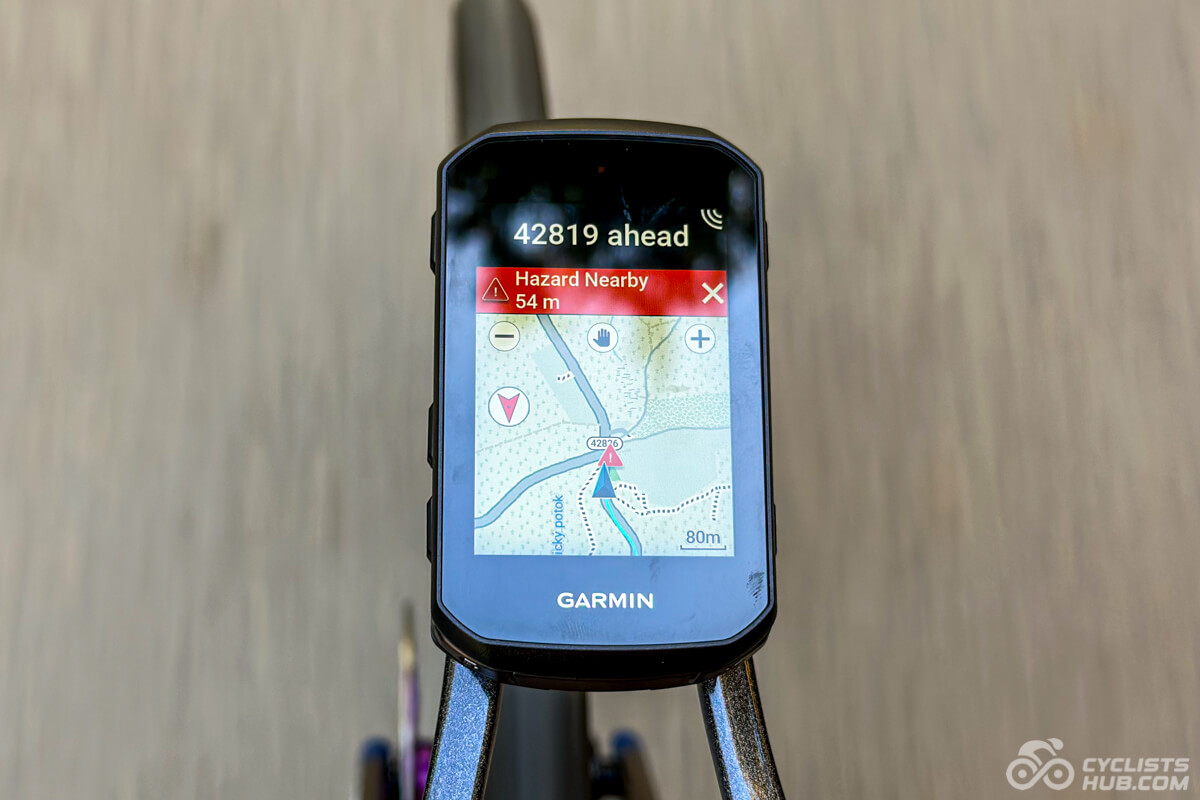
Shared Road Hazards
Sharing road hazards, like Waze or Google Maps, is a great feature. The more people use it, the more useful it becomes. It might take a while before enough people in some areas are in the Garmin ecosystem and contribute by adding these hazards. Fortunately, Garmin made this feature available for the x40 head units some time ago to widen the user base. This is another example of the benefits of the Garmin ecosystem.
GroupRide, Challenges, and Awards
GroupRide has received several improvements. For example, one improvement is that if the Edge 850 detects a crash, it notifies others in the group (when GroupRide is on). This is an excellent feature, and I am surprised we didn’t get it sooner. Imagine how useful this feature will be during fast descents. Another handy addition is the ‘You vs Group’ comparison, which shows rolling 5-minute averages for metrics like your HR, power, cadence, speed, and W/kg against the group. This is a pretty solid way to keep tabs on how you’re stacking up during a group ride.
The Challenges are similar to Strava live segments. You can compete with your friends to see who can climb the upcoming climbs the fastest. Currently, this feature only works for climbs in ClimbPro. This is Garmin’s way of giving you another reason to choose the Garmin bike computer and lock you into their ecosystem.
And the Awards are just Garmin’s way of leveraging additional gamification elements. You earn rewards for your power output, speed, and more. These are just some examples of how Garmin tries to lock people into its ecosystem.
Connectivity
There are no connectivity changes. The Edge 850 still supports Bluetooth, Wi-Fi, and ANT+ connectivity, so you can connect it to sensors or your smartphone. Of course, it can auto-sync activities, courses, etc. I sometimes experienced longer sync times for activities over Wi-Fi in the Canary Islands, but at home, it worked fine. I suspect the Wi-Fi settings may have been a factor.
Garmin Edge 850 Alternatives
Here are some Garmin Edge 850 alternatives worth considering.
- Garmin Edge 1050 offers a larger display and longer battery life, but it’s more expensive.
- Garmin Edge 1040 / 1040 Solar offers much longer battery life, but its features are not as advanced, plus its display is a bit less bright. On the other hand, the display is larger.
- Garmin Edge 840 / 840 Solar is more affordable and has much longer battery life, but its features are not as advanced, and the display is not as bright.
- Hammerhead Karoo 3 offers a smartphone-like experience and an even brighter display. But it has fewer features.
- Wahoo ELEMNT ROAM 3 is easier to use and has a slightly larger display and longer battery life, but fewer features and a worse display.
Garmin Edge 850 Technical Specifications
Below, I summarized the technical specifications of the Garmin Edge 850.
Technical specifications
- Battery life: 12 hours, USB-C charging port
- Display: 2.7in / 69mm (420×600px)
- Touchscreen: Yes
- Weight: 110g
- Dimensions: 92.2×54.6×16.8 mm
- Strava live segments: Yes
- Smart trainers control: Yes
- Smart navigation (rerouting): Yes
- Crash/incident detection: Yes
- Garmin Pay: Yes
- In-built speaker: Yes
- Connectivity: ANT+, Bluetooth, Wi-Fi, Multi-band GNSS
- Waterproofing: IPX7
- Storage: 64 GB
My Verdict
There are two main things I dislike about the Garmin Edge 850: its short battery life, which requires recharging about twice as often as the Edge 840, and its price. I absolutely hate this trend of raising prices so much year over year. It’s not sustainable. The Edge 850 is probably one of the most capable bike computers of this size, but earlier generations perform nearly as well.
So, if you don’t care about the latest and greatest features, consider buying the Edge 840 instead. You will get twice the battery life and save several hundred dollars. If you decide to purchase the E850 anyway, please use the links below. It’s the best way to support this website, and it won’t cost you anything extra. Thank you in advance.
Also available at rei.com, competitivecyclist.com, and jensonusa.com
Recommended Accessories
Below are some recommended accessories for the Garmin Edge 850.
Garmin Varia RTL515 Radar

Garmin Varia RCT715 Radar with Camera

Garmin Edge 850 FAQ
- I rode with a connected Wahoo TICKR, Elilee EK01, Garmin Varia RTL515, Shimano Ultegra Di2, and iPhone 14 Pro. I set the brightness to auto and rode in autumn temperatures (around 15°C [59°F]). ↩︎

The price and battery life combined make this an automatic no purchase for me. I’ll stick with my 840.